Which iPhone Has the Best Camera in 2024?
Updated Jul 2026
Some links on this page are affiliate links. If you buy through them we may earn a small commission at no extra cost to you. We only recommend what we'd use.
- The iPhone 15 Pro Max leads overall with its exclusive 5x optical tetraprism zoom
- Standard iPhone 15 models now feature a capable 48MP main sensor
- Computational processing heavily influences real-world color balance and dynamic range
- Shooting in ProRAW gives mobile photographers significant editing flexibility

The iPhone 15 Pro Max holds the top spot for the best iPhone camera system in 2024, driven by its exclusive 5x tetraprism optical zoom, upgraded 48MP main sensor, and flexible focal length settings. While standard models have made big strides, the flagship Pro Max provides unmatched versatility for creative shooting.
Understanding iPhone Camera Evolution
Modern iPhone camera quality relies heavily on a tight integration between physical optical hardware and background computational software. While megapixel counts grab headline attention, Apple's Image Signal Processor and Photonic Engine shape shadow detail, skin tones, and highlight balance long before you view the final photograph on your screen.
Camera hardware on mobile devices ran into physical size limits years ago—you simply can't cram massive DSLR lenses into a smartphone pocket without making the device unwieldy. To get around this physical barrier, recent generations depend on multi-frame image stacking. The camera instantly captures multiple exposures behind the scenes when you press the shutter, merging the crispest highlights and dynamic shadows into a single balanced shot. Hardware still sets the baseline ceiling for light collection, but software determines how refined that raw optical data looks in daily use.
Key Camera Specs to Consider
Evaluating an iPhone camera comes down to sensor dimensions, aperture sizes, optical image stabilization, and effective focal lengths. A wider lens aperture (represented by a smaller f-number like f/1.78) allows more physical light onto the sensor, while sensor-shift stabilization counters steady hand tremors during long exposures.
It helps to know what these terms actually mean when comparing spec sheets:
- Sensor Size: A physically larger main sensor catches more light particles, yielding cleaner shots with reduced visual noise in dark rooms.
- Aperture (f-stop): Controls how wide the physical lens diaphragm opens. Lower numbers yield brighter low-light performance and softer natural background blur.
- Focal Length Equivalents: Expressed in millimeters (like 24mm or 120mm), this tells you how tight or wide a frame will look compared to traditional full-frame camera gear.
- Sensor-Shift OIS: Keeps the actual image sensor floating on tiny magnets to negate shaky hands during nighttime exposures or bumpy motion shots.
Comparing iPhone Camera Models: A Head-to-Head
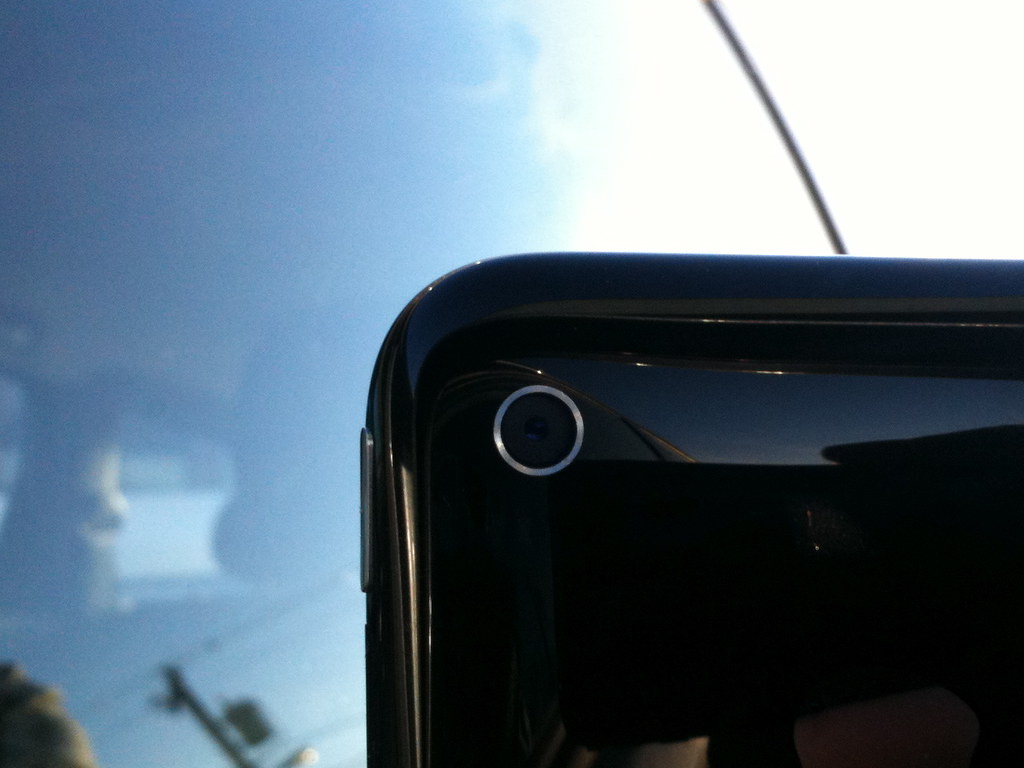
Choosing between recent iPhone models comes down to whether you prioritize multi-lens flexibility and uncompressed recording formats or basic point-and-shoot dependability. Flagship Pro models sport triple-lens arrays with dedicated telephoto glass, while standard base options streamline features down to essential dual-camera setups.
If you mainly share pictures on messaging apps or social platforms, standard entry models provide broad dynamic range and punchy color rendering without technical hassle. However, photographers who like to crop tightly into distant scenes or heavily grade shot colors in post-production will quickly appreciate the extra focal length options and RAW capture flexibility available on the higher-end tiers.
| Model | Best For | Pricing Tier | Standout Feature |
|---|---|---|---|
| iPhone 15 Pro Max | Wildlife, sports, and serious video creators | Premium Flagship | 5x Optical Tetraprism Zoom, ProRes Log |
| iPhone 15 Pro | Portraits, travel photography, power users | High-End Pro | 3x Optical Zoom, ProRAW, Customizable Focal Lengths |
| iPhone 15 / 15 Plus | Everyday snapshots, social media sharing | Mid-Range Standard | 48MP Main Sensor, 2x In-Sensor Sensor Crop |
| iPhone 14 Pro Max | Bargain hunters wanting pro features | Refurbished / Mid-Tier | 48MP Main Sensor, 3x Telephoto Zoom |
🛍 Ready to buy? Check current prices on Amazon for the picks in this guide.
iPhone 15 Pro Max: The Current Champion
The iPhone 15 Pro Max stands as Apple's most versatile camera device due to its exclusive 120mm-equivalent optical zoom lens. Combined with an upgraded 48MP main camera that defaults to delivering sharp 24MP images, it delivers crisp rendering across wide and tight focal ranges alike.
What makes the Pro Max feel distinct in real-world usage is how naturally it handles variable focal lengths. You can set the main camera to switch default views between 24mm, 28mm, and 35mm angles, catering nicely to street photography aesthetics. Combine that with Log video recording support for colorists, and you get a mobile camera setup that rivals standalone compact cameras for speed and sheer image fidelity.
5x Telephoto Lens Explained
Apple's 5x telephoto optics use a folded glass tetraprism structure that bounces light rays four times before hitting the sensor surface. This clever design extends the optical path within a slim phone frame, giving you true 120mm optical reach without adding an awkward lens bump.
Older telephoto designs suffered from muddy textures and noticeable digital artifacts once you zoomed past their native focal lengths. Because the 5x optical module captures true light detail from far away, portraits taken at distance show smooth, natural optical blur behind subjects rather than artificially carved-out software cutouts.
iPhone 15 Pro: A Close Second
The smaller iPhone 15 Pro offers nearly identical core photographic features to the Pro Max, swapping the long-range 5x lens for a classic 3x telephoto option. It remains an ideal option for creators who prefer tighter handheld portrait composition and a lighter overall phone design.
A lot of photographers actually prefer the 77mm equivalent distance offered by the standard 15 Pro's 3x telephoto glass. It keeps you closer to your subject in compact indoor spaces where a 5x lens might feel overly zoomed in. You keep all the ProRAW file support, fast shutter speeds, and ProRes video features while keeping a phone that is easy to manage one-handed.
iPhone 15: Solid Performance for the Price
The standard base iPhone 15 delivers great value by incorporating the 48MP high-resolution main sensor previously limited to older Pro lines. While it omits a dedicated glass telephoto lens, it uses smart sensor cropping to output clean 2x zoom shots along with automatic portrait depth tracking.
When taking pictures of people or pets on the base model, the camera app now records depth data automatically whenever it detects a subject in the frame. That means you can shoot quick candid snaps now and decide later whether to apply a blurred portrait background inside your photo library, removing the guesswork out of switching modes in fast-moving moments.
Troubleshooting Common iPhone Camera Issues
Even advanced iPhone camera systems run into annoying issues like blurry subjects, soft detail, or strange lens flare reflections. Smudged camera glass, incorrect exposure focal locks, and aggressive automatically triggered night exposures account for almost all routine optical complaints.
Before assuming your phone has a hardware fault, remember that modern smartphone lenses feature precise outer protective coatings that easily trap fingerprint oils. Dirt and grease blur contrast long before the autofocus engine realizes something is wrong. Knowing how to adjust focus manually and keeping your camera glass clean will solve most image quality problems immediately.
Addressing the "Blurry Photos" Problem
Blurry photos typically occur when ambient light levels drop low enough that the camera extends shutter speeds to catch more light, turning small hand movements into noticeable blur. Cleaning your glass elements, tapping screen zones manually to force exposure focus, and holding the chassis steady against a firm surface prevents ruined frames.
Here is a fast checklist to restore clear focus on your device:
- Wipe down all rear camera lenses using a clean microfiber cloth.
- Tap directly on your subject's face on the screen to lock focus explicitly.
- Disable Night Mode manually if fast-moving subjects appear smeary during dim evening shots.
- Verify that macro auto-switching isn't unexpectedly shifting lenses when framing close-up items.
How to Choose the Right iPhone Camera for Your Needs
Selecting the ideal iPhone camera means matching hardware features against how you plan to use your photos and videos. Action sports fans, bird watchers, and amateur filmmakers will lean toward the Pro Max's long lens and video options, whereas daily snap shooters find base models perfectly capable.
Take time to think about where your images usually live. If your photos stay on phone screens or social feeds, the standard iPhone 15 delivers vibrant color balance and dynamic range for less money. If you regularly edit photos in Lightroom, capture far-away events, or shoot color-graded video footage, picking up a Pro tier model is worth the extra investment.
FAQ
What is Cinematic Mode and how does it work?
Cinematic Mode shoots video with a soft, blurred background effect that mimics cinema lenses. It relies on computational depth mapping to track facial focus automatically as subjects turn or shift across the scene. You can also re-rack focus points manually after recording is finished inside the Photos app.
How do Photographic Styles differ from standard filters?
Photographic Styles apply custom color tone and warmth tweaks directly to raw image data as it is being processed by the Photonic Engine. Unlike standard image overlays, styles preserve natural skin tones while altering secondary background colors like skies, foliage, and ambient shadow zones automatically.
Why do my iPhone photos look grainy in dark rooms?
Grain or noise appears when low ambient light forces the camera sensor to boost gain sensitivity (ISO). To keep shutter speeds short enough to prevent blur, the sensor amplifies weak light signals, creating faint background speckles. Holding the phone still lets Night Mode lower ISO and drop noise levels.
Can third-party apps improve my iPhone camera quality?
Third-party apps cannot override physical glass apertures or sensor dimensions, but they unlock manual speed controls, raw sensor access, and precise white balance locks. Tools like Halide allow manual exposure tuning, letting experienced photographers bypass Apple's default aggressive shadow smoothing and sharpening algorithms when preferred.
What is the practical benefit of shooting in ProRAW format?
ProRAW merges Apple's multi-frame dynamic range calculations with uncompressed camera data files. Shooting in ProRAW lets you recover overexposed highlights, lift dark shadow areas, and adjust white balance tones in editing apps without producing harsh color banding or crunchy digital distortion artifacts common in compressed files.
🛍 See today's best prices on Amazon and grab the option that fits you.